Creative Ways to Organize Your Home Workspace for Better Productivity
menidoi.pro >> persons>> Creative Ways to Organize Your Home Workspace for Better Productivity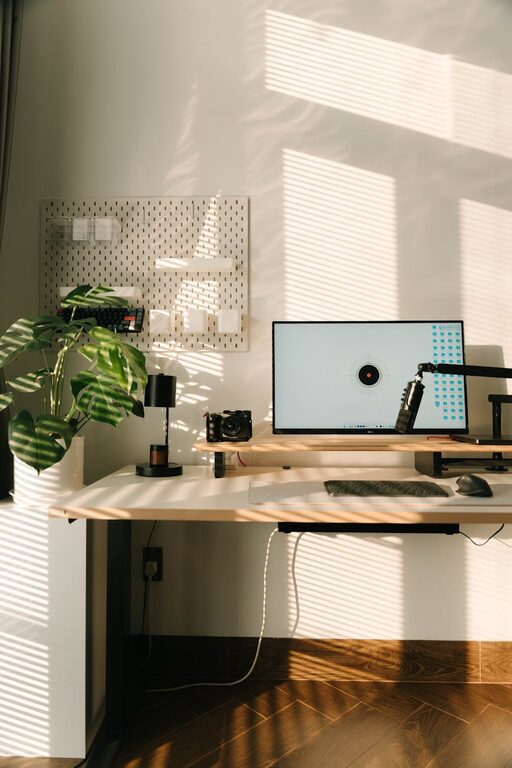
Creative Ways to Organize Your Home Workspace for Better Productivity
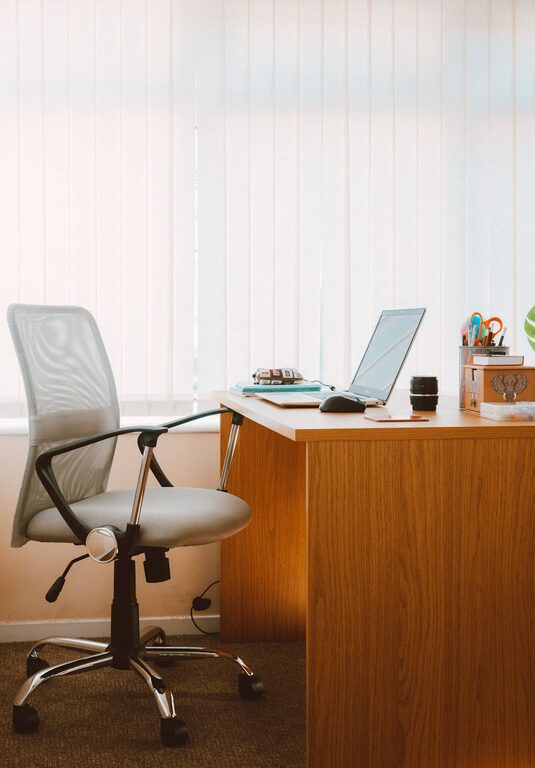
Creating a dedicated home workspace that is both organized and inspiring can significantly enhance your productivity. Whether you work remotely, study, or enjoy hobbies that require focus, a well-organized space helps minimize distractions and keeps you motivated. If you’re looking to refresh your home office or study corner, here are some creative ways to organize your workspace for better productivity.
Why Organize Your Workspace?
An organized workspace doesn’t just look tidy; it supports your workflow by providing easy access to essential tools and creating a calm environment. When your desk and surroundings are clutter-free, you can focus easier, make decisions faster, and feel less stressed. Plus, a workspace that reflects your personal style can foster creativity and passion in your work.
Start with a Clean Slate
Before implementing any new organizational ideas, begin by clearing everything off your desk and shelving. Sort through papers, supplies, and gadgets and decide what you actually need and use regularly. Donate, recycle, or store away items that don’t belong in your workspace. This clean slate approach makes it easier to design a system that genuinely supports your needs.
Creative Storage Solutions
Use Vertical Space
If your desk feels cramped, think vertically. Install floating shelves above your work surface to store books, decorative containers, or office supplies. Pegboards are another excellent option—they can hold tools, notes, and accessories while keeping your desk clear.
Repurpose Household Items
Look around your home for unique storage options. For example, a muffin tin can organize small desk items like paperclips or push pins, while a wine rack can hold rolls of wrapping paper or notebooks. Creativity often comes from using what you have!
Drawer Dividers and Organizers
Keep drawers tidy by using small boxes or dividers. Separating pens, cables, sticky notes, and other small items prevents a jumbled mess and saves time searching for things.
Define Zones for Different Tasks
Breaking your workspace into zones based on task type can improve focus and efficiency. For instance:
– Computer Station: Keep your laptop, monitor, and essential tech gadgets here.
– Paperwork Area: Use a separate tray or file organizer for documents that need attention.
– Creative/Brainstorming Corner: Dedicate a spot for notebooks, sketch pads, or inspiration boards.
Having these clearly defined zones helps your brain quickly shift gears and reduces clutter caused by mixing unrelated items.
Optimize Desk Layout
Use a Monitor Stand or Laptop Riser
Raising your screen to eye level prevents neck strain and frees up space underneath for storage. You can slide your keyboard or notebooks under the stand when not in use.
Cable Management
Cables can quickly become tangled and messy. Use cable clips, ties, or a cable box to keep cords organized and out of sight. Labeling chargers and cables also helps identify each quickly.
Personalize with Purpose
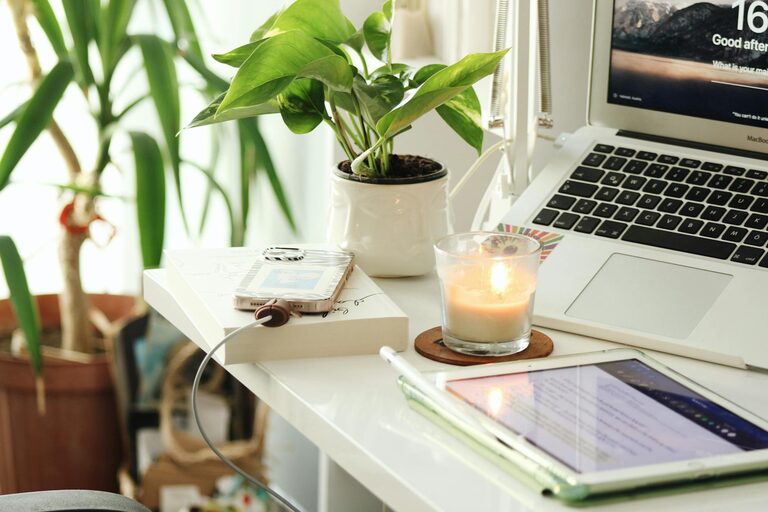
Add a few personal items such as plants, photos, or inspirational quotes, but keep them minimal to avoid distractions. Plants, in particular, boost mood and can improve air quality.
Implement a Filing System
Even in a digital age, some physical documents require attention. Create a simple filing system with labeled folders—for example: “To Do,” “Invoices,” “Receipts,” “Reference.” Use color coding or different sizes of folders to help quickly identify the contents. Place the filing system within arm’s reach.
Maximize Lighting
Good lighting reduces eye strain and keeps you alert. Whenever possible, set up your workstation near a window for natural light. Supplement with an adjustable desk lamp that provides focused lighting for reading or detailed tasks.
Keep Supplies Within Reach
Store the most-used supplies near your desk for quick access. Use desk organizers, cups, or small bins to hold essentials like pens, sticky notes, scissors, and tape. Less frequently used items can live in drawers or shelves.
Maintain Regular Tidying Routines
Even the best organizational systems require upkeep. Spend 5–10 minutes at the end of each day to clear your desk, file papers, and prepare for tomorrow. This small habit keeps clutter from building up and sets you up for a productive start.
Digital Organization Tips
Creativity and productivity aren’t confined to the physical space. Organize your digital files and emails regularly, back up important data, and use productivity apps to manage to-do lists and deadlines. A well-organized digital workspace complements your physical setup and helps reduce mental clutter.
Final Thoughts
Organizing your home workspace doesn’t have to be a chore. Use these creative ideas to tailor your space to your needs and personality. Small changes like adding vertical storage, defining zones, and managing cables can make a big difference in how you feel and perform at work. Remember, the goal is to build an environment that encourages focus, creativity, and comfort—helping you make the most of your time at home. Happy organizing!
Related Post
Tips for Creating a Relaxing Home Office Environment
Creating a relaxing home office environment is essential for maintaining focus, boosting productivity, and reducing…